# 15 Heartfelt Pet Memorial Photo Ideas to Honor Your Beloved Companion
Losing a pet is one of life’s most profound heartaches. They’re not just animals—they’re family members who filled our days with unconditional love, silly moments, and quiet companionship. When they’re gone, we’re left with memories and an aching need to honor the bond we shared.
Pet memorial photos offer a beautiful way to celebrate your companion’s life and keep their spirit alive in your home and heart. Whether you’re looking for something traditional, creative, or deeply personal, the right memorial photo can bring comfort during grief and serve as a lasting tribute to the joy your pet brought into your world.
In this guide, we’ll explore 15 heartfelt pet memorial photo ideas that range from simple and elegant to artistic and unique. Each approach offers a different way to remember your beloved friend, and many can be personalized to reflect your pet’s unique personality and the special relationship you shared.
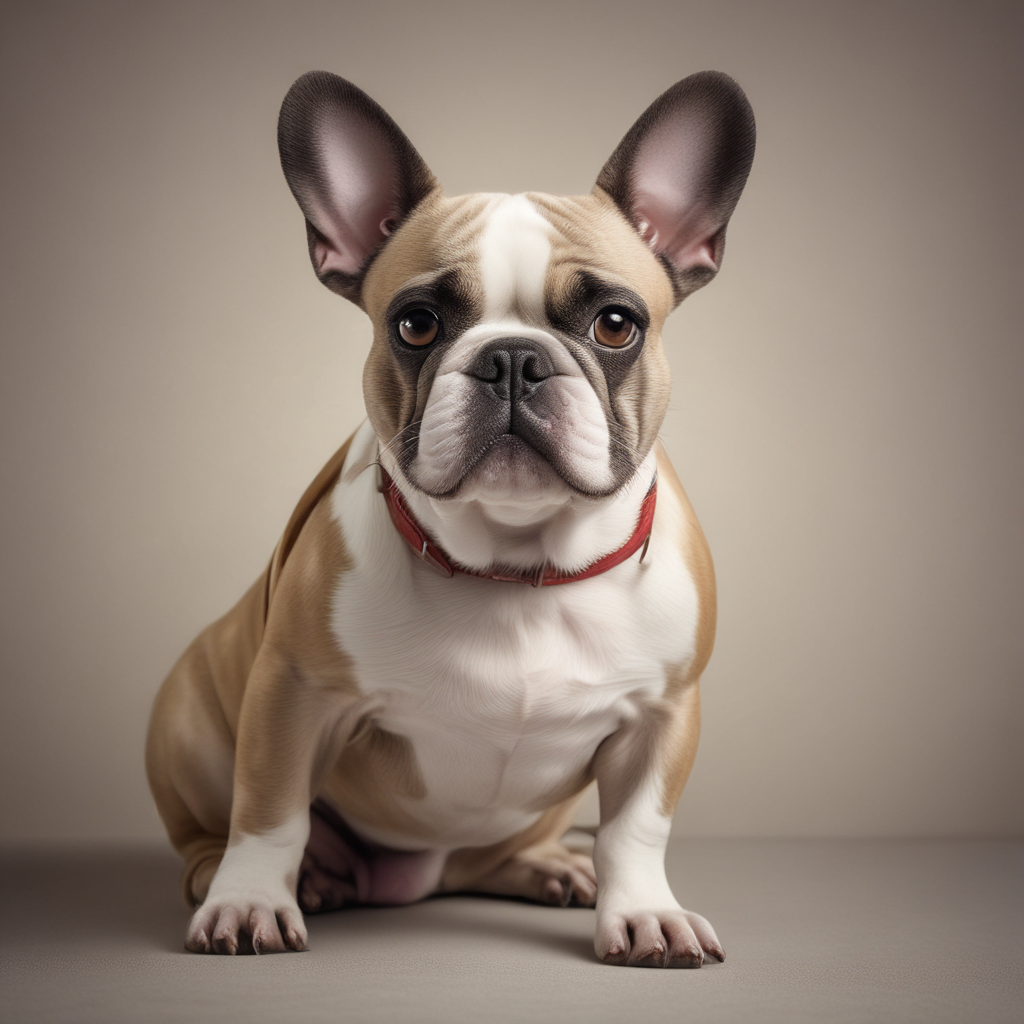
## 1. Classic Portrait with a Memorial Frame
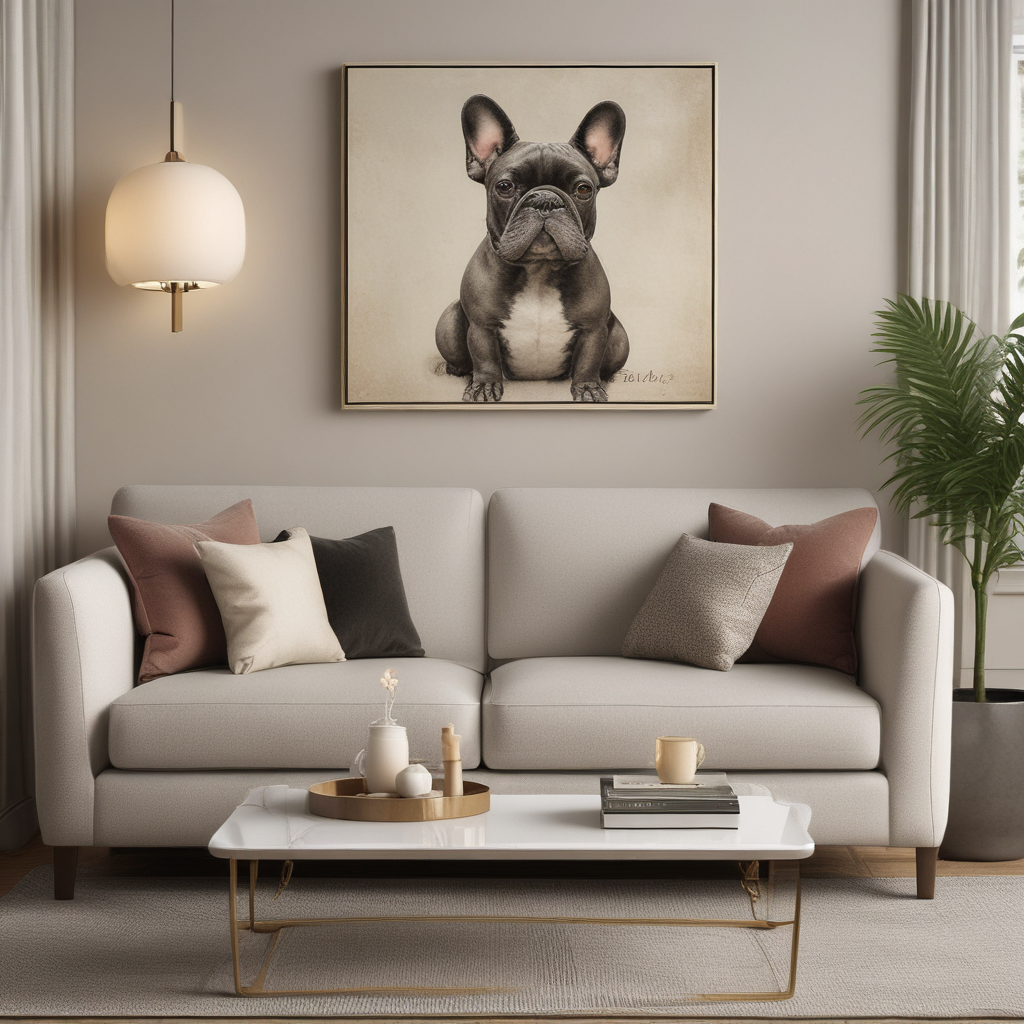
Sometimes simplicity speaks loudest. A beautifully framed portrait of your pet in their prime—eyes bright, expression content—can be the most powerful memorial of all. Choose your favorite photo that captures their essence: maybe it’s that look they gave you every morning, or the way they tilted their head when curious.
Enhance this classic approach with a memorial frame that includes their name, dates, and perhaps a short phrase like “Forever in Our Hearts” or “Best Friend, Always Remembered.” You can find frames specifically designed for pet memorials, or customize a quality frame with an engraved plate.
Display it in a place of honor—on your mantel, in your entryway, or in the room where your pet spent most of their time. Every time you pass by, you’ll be reminded not of the loss, but of the love and joy they brought into your life. This timeless approach works for any pet and any home décor style, making it a go-to choice for many grieving pet parents.
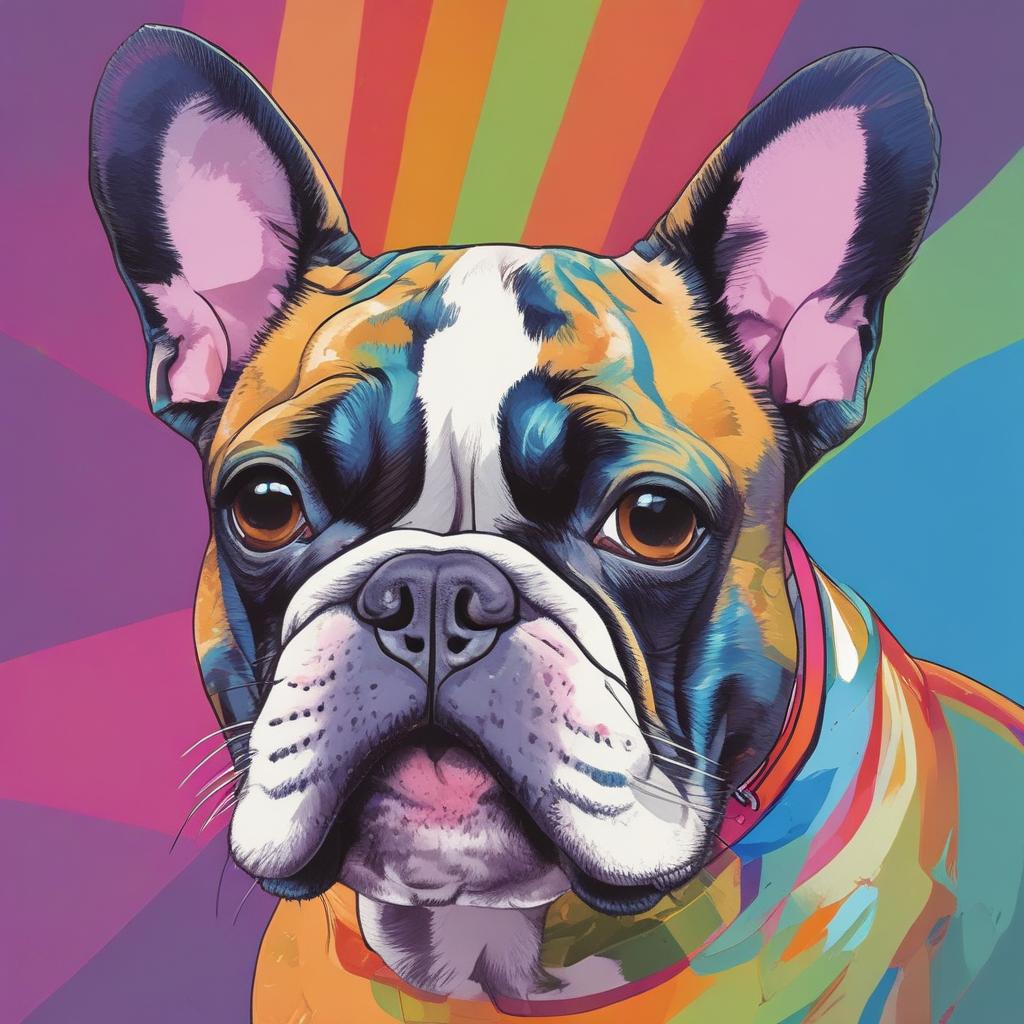
## 2. Rainbow Bridge Themed Photo Collage
The Rainbow Bridge poem has brought comfort to countless pet owners, offering a gentle vision of where our beloved companions go after they leave us. A Rainbow Bridge-themed photo collage combines this comforting imagery with your favorite photos of your pet throughout their life.
Create a collage that features a rainbow arc or bridge graphic as the central element, with photos of your pet arranged around or along it. Include pictures from different life stages—puppyhood or kittenhood, their prime years, and even their senior moments. This visual journey celebrates their entire life story.
You can design this digitally and have it printed on canvas or as a large framed print, or create a physical collage with printed photos and craft materials. Add elements like paw prints, clouds, or butterflies to enhance the theme. Some pet parents include the Rainbow Bridge poem text alongside the photos, creating a complete memorial piece that’s both visually beautiful and emotionally meaningful. This approach is especially comforting for families with children, as it provides a gentle framework for understanding pet loss.
## 3. Paw Print and Photo Combination Art
Combining your pet’s actual paw print with their photo creates a deeply personal memorial that’s both artistic and tangible. If you have an ink or clay impression of your pet’s paw (many veterinary clinics offer this service), you can incorporate it into a custom photo display.
Design a piece where the paw print sits alongside or overlaps with a favorite photo of your pet. The contrast between the abstract print and the realistic photo creates visual interest while symbolizing the permanent mark your pet left on your heart. You can have this professionally designed and printed, or create it yourself using photo editing software.
For those who don’t have a physical paw print, you can still create this memorial by using a digital paw print graphic or even tracing your pet’s paw from a photo. Add your pet’s name and dates, and consider including a short message like “You left paw prints on my heart” or “Forever my baby.”
This memorial works beautifully as wall art, but can also be adapted for smaller formats like memorial cards, ornaments, or even tattoo designs. The combination of the symbolic paw print with your pet’s actual image creates a memorial that’s both abstract and personal.
## 4. Seasonal or Holiday Memorial Photos
If your pet had a special connection to a particular season or holiday, creating a memorial photo that reflects this can be especially meaningful. Perhaps your dog loved playing in autumn leaves, your cat was obsessed with Christmas decorations, or your rabbit enjoyed spring garden time.
Choose a photo of your pet enjoying their favorite season or holiday, and enhance it with themed elements. For autumn memorials, add warm-toned borders, falling leaves, or harvest imagery. Winter memorials might include snowflakes, evergreen branches, or soft blue tones. Spring memorials can feature flowers, butterflies, and fresh green colors, while summer memorials might showcase sunshine, beach elements, or bright, vibrant hues.
This approach is particularly beautiful for creating annual memorial traditions. You might display a spring-themed memorial photo each year when flowers bloom, or hang a holiday memorial ornament on your Christmas tree. These seasonal remembrances allow you to honor your pet’s memory in a way that feels natural and recurring, rather than dwelling on the loss. It transforms grief into celebration, marking the passage of time while keeping your pet’s spirit present in your seasonal traditions.
## 5. Action Shot Memorial Canvas
Some pets were defined by their energy and movement—the way they ran, jumped, played, or explored. For these spirited companions, an action shot memorial captures their essence better than any posed portrait ever could.
Choose a photo that shows your pet in motion: mid-leap catching a frisbee, splashing through water, chasing a toy, or simply running with pure joy. These dynamic images radiate life and personality, reminding you of the vitality and enthusiasm your pet brought to every moment.
Have the photo printed on a large canvas to emphasize the sense of movement and energy. The canvas texture adds an artistic quality that elevates the photo beyond a simple snapshot. Consider black and white conversion for a timeless, gallery-quality feel, or keep it in vibrant color to capture the full energy of the moment.
Place this memorial in a space where you can see it daily—perhaps in your home office, living room, or even near the door where you used to leave for walks together. Every glance will remind you not of stillness and loss, but of movement, joy, and the incredible spirit your pet possessed. This type of memorial celebrates life rather than mourning death, which can be especially healing during the grieving process.
## 6. Photo Book or Album Memorial
A single photo can never tell the whole story of your life with your pet. A memorial photo book or album allows you to curate a complete narrative, from the day they came into your life through all the adventures, quiet moments, and milestones you shared.
Organize your book chronologically or thematically—by seasons, locations, or types of activities. Include a mix of professional photos and candid snapshots. Add captions that tell stories: the time they got into the trash, their first snow, the way they greeted you after work, their favorite napping spots. These written memories are just as important as the images.
Many online services make it easy to create professional-quality photo books with customizable layouts, backgrounds, and text options. You can create a large coffee table book that becomes a conversation piece, or a smaller album that’s easy to hold and flip through when you need comfort.
This memorial serves multiple purposes: it’s a grief processing tool as you select and arrange photos, a celebration of your pet’s life story, and a keepsake you can share with family and friends. Years from now, this book will help you remember not just what your pet looked like, but the full richness of the life you shared together.
## 7. Silhouette or Minimalist Portrait
Sometimes less is more. A silhouette or minimalist portrait strips away details to focus on the essential form and character of your pet. This artistic approach creates a memorial that’s elegant, modern, and emotionally powerful in its simplicity.
Create a silhouette from a profile photo of your pet—the distinctive shape of their head, ears, and posture. This works especially well for pets with recognizable profiles like German Shepherds, cats with distinctive ear shapes, or rabbits with their characteristic silhouettes. Add their name in elegant typography and perhaps their dates or a short phrase.
Alternatively, try a minimalist line drawing style that captures your pet’s essence with just a few carefully placed lines. This artistic interpretation can be more emotionally accessible than a realistic photo, especially in the early stages of grief when seeing detailed images might be too painful.
These minimalist memorials work beautifully in modern home décor and can be displayed in multiples—imagine a gallery wall with silhouettes of all the pets you’ve loved over the years. The style is timeless and sophisticated, ensuring your memorial will remain visually appealing for decades to come.
## 8. Garden Memorial with Photo Stone
For pet parents with outdoor space, a garden memorial combines the living beauty of nature with a permanent photo tribute. Custom photo stones or plaques can be placed among flowers, under a memorial tree, or in a dedicated pet memorial garden area.
These weather-resistant photo stones use ceramic or porcelain printing techniques to permanently transfer your pet’s image onto stone, slate, or granite. The result is a durable memorial that can withstand years of outdoor exposure while maintaining image clarity and color.
Create a memorial garden space around the photo stone with your pet’s favorite flowers, plants they loved to sniff or rest near, or symbolic choices like forget-me-nots or roses. Add decorative elements like solar lights, wind chimes, or a small bench where you can sit and remember.
This living memorial changes with the seasons, offering a dynamic way to honor your pet’s memory. In spring, new growth symbolizes renewal; in summer, full blooms celebrate life; autumn’s changes reflect the natural cycle; and winter’s rest mirrors the peace your pet now knows. Tending this garden becomes a meditative practice, a way to actively care for your pet’s memory while processing grief through nurturing living things.
## 9. Photo Jewelry or Wearable Memorial
Keeping your pet close to your heart takes on literal meaning with photo jewelry. Lockets, pendants, bracelets, and even rings can be customized with tiny photo prints or photo engravings of your beloved companion.
Modern photo jewelry uses high-resolution printing or laser engraving to create surprisingly detailed miniature portraits. Some pieces feature photos visible on the outside, while others keep the image private inside a locket that only you can open—a intimate memorial just for you.
This wearable memorial is especially comforting during the acute grief period when you need constant reassurance of your pet’s presence. It’s also practical for pet parents who travel frequently or work away from home, allowing you to carry your pet’s memory wherever you go.
Consider creating matching pieces for family members who shared the bond with your pet, or choose a style that reflects your pet’s personality—playful and colorful for an energetic dog, elegant and refined for a dignified cat. Every time you touch the jewelry or catch a glimpse of it, you’re reminded that love doesn’t end with death.
## 10. Digital Memorial Slideshow or Video
In our digital age, a memorial slideshow or video tribute offers a dynamic way to celebrate your pet’s life. Unlike static photos, video memorials can include movement, music, and even video clips that capture your pet’s voice, mannerisms, and personality in ways photos alone cannot.
Compile your favorite photos and video clips chronologically or thematically. Add meaningful music—perhaps a song that reminds you of your pet, or gentle instrumental music that creates a reflective mood. Include text overlays with your pet’s name, important dates, favorite things, or short stories about memorable moments.
Many free and paid video editing tools make this accessible even for beginners. You can create something simple in minutes or invest time in a more elaborate production with transitions, effects, and carefully timed music. The process itself can be therapeutic, allowing you to revisit memories and process emotions while creating something beautiful.
Share the finished video with family and friends, post it on social media as a tribute, or keep it private for personal viewing during moments when you need to feel close to your pet. Digital memorials are also easy to update—you can create anniversary editions or add newly discovered photos as you find them.
## 11. Watercolor or Painted Portrait from Photo
Transform a favorite photo into a work of art with a watercolor or painted portrait. This artistic interpretation adds a layer of beauty and emotion that photography alone sometimes cannot capture, creating a memorial that feels both personal and gallery-worthy.
Commission a pet portrait artist (many work from photos and deliver digital files or physical paintings), or try creating one yourself if you have artistic inclinations. Watercolor styles work particularly well for pet portraits, offering soft, dreamy qualities that can make the memorial feel gentle and comforting rather than stark or sad.
The artistic interpretation allows for creative choices: you might emphasize your pet’s most distinctive features, add symbolic elements like flowers or butterflies, or place them in an idealized setting like a meadow or garden. Some artists specialize in rainbow bridge themed paintings or can incorporate ashes or fur into the actual paint for an even more personal memorial.
Display the finished portrait prominently in your home. The artistic nature of painted portraits often makes them conversation starters, giving you opportunities to share stories about your pet and keep their memory alive through storytelling. Unlike photos that might fade or feel dated over time, painted portraits have a timeless quality that ensures your memorial remains beautiful for generations.
## 12. Memorial Photo Blanket or Pillow
Comfort takes physical form with memorial photo blankets and pillows. These functional memorials serve a dual purpose: they’re beautiful tributes you can display, and they’re also comforting objects you can hold, wrap yourself in, or rest against when grief feels overwhelming.
Custom printing services can transfer your pet’s photo onto soft fleece blankets, woven tapestries, or decorative throw pillows. Choose a favorite photo or create a collage design with multiple images. The tactile nature of these memorials adds a dimension of comfort that wall art cannot provide—there’s something deeply soothing about being able to physically hold something that bears your pet’s image.
Keep a memorial blanket on your couch for movie nights, use it on your bed, or drape it over the chair where your pet used to sit. Memorial pillows can be placed on beds, couches, or in reading nooks. Some pet parents find these items especially comforting during the first weeks and months after loss, when the absence of their pet’s physical presence is most acute.
These memorials are also practical for families with children, who may find comfort in having something soft and huggable that reminds them of their pet. The combination of visual memorial and physical comfort object can be especially healing during the grieving process.
## 13. Photo Ornament for Year-Round or Holiday Display
Memorial photo ornaments offer flexibility—display them year-round on a memory tree or shelf, or bring them out during holidays as part of your seasonal traditions. These small but meaningful tributes ensure your pet remains part of family celebrations and daily life.
Choose from various ornament styles: glass balls with photo inserts, wooden rounds with printed images, ceramic ornaments with custom designs, or metal ornaments with engraved photos. Many can be personalized with your pet’s name, dates, and short messages.
Create a memory tree or display area where you hang ornaments for all the pets you’ve loved over the years. This becomes a visual family tree of sorts, honoring the animals who’ve been part of your journey. During holidays, especially Christmas, including your pet’s ornament on the tree maintains their presence in family traditions and acknowledges that they’re still part of the family, even in memory.
Some pet parents create annual ornaments, adding a new one each year on the anniversary of their pet’s passing or birthday. This ongoing tradition transforms grief into active remembrance and creates a growing collection that tells the story of your enduring love.
## 14. Photo Memorial with Favorite Quote or Poem
Words have power to heal and comfort. Pairing your pet’s photo with a meaningful quote, poem, or personal message creates a memorial that speaks to both heart and mind, offering solace through both image and language.
Choose words that resonate with your experience: a line from the Rainbow Bridge poem, a quote about the bond between humans and animals, a verse from a favorite song, or your own words expressing what your pet meant to you. The text should complement the photo, not overwhelm it—think of it as a caption that deepens the emotional impact.
Design options range from simple text overlays on the photo itself to more elaborate layouts where photo and text are given equal visual weight. Consider typography carefully—elegant script fonts convey emotion and gentleness, while clean sans-serif fonts offer modern simplicity. The style should match both your home décor and the tone of the message.
This type of memorial works beautifully as wall art, printed cards you can share with others who loved your pet, or even as a social media tribute. The combination of visual and verbal remembrance creates a complete memorial that honors both your pet’s physical presence and the intangible bond you shared.
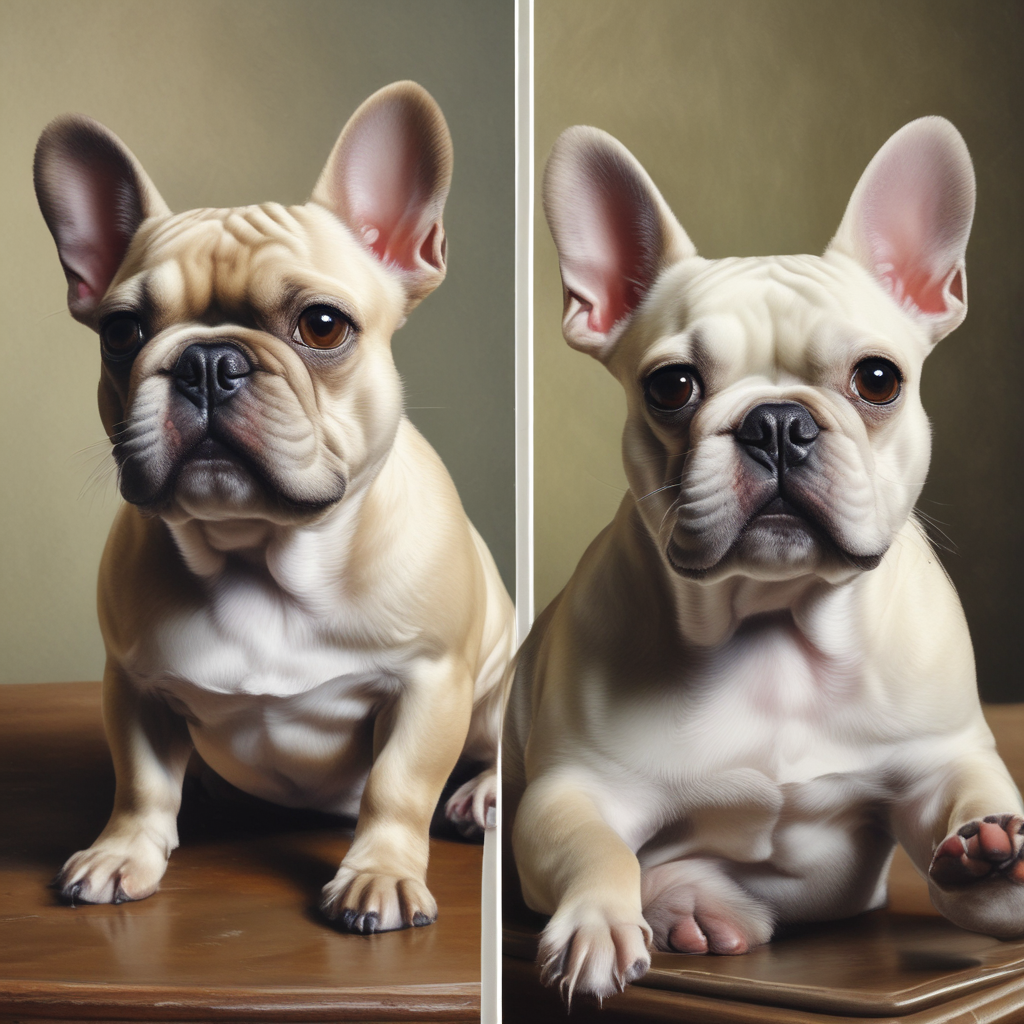
## 15. Before and After Life Journey Photo Display
Your pet’s life was a journey, and a before-and-after or life journey photo display celebrates the entire arc of that story. This memorial acknowledges growth, change, and the passage of time while honoring every stage of your pet’s life.
Create a display that shows your pet at different life stages: the tiny puppy or kitten you first brought home, their energetic young adult years, their dignified middle age, and their gentle senior phase. Arrange these chronologically in a row or grid, creating a visual timeline that tells their life story at a glance.
This approach is particularly meaningful because it celebrates the completeness of your pet’s life rather than focusing solely on loss. It reminds you that your pet lived fully, experienced different seasons of life, and was loved throughout all of them. The progression also highlights how your bond deepened and evolved over time.
Consider adding small captions noting ages, years, or brief memories associated with each photo. You might include “First day home,” “Summer 2019,” “10th birthday,” and “Last autumn together.” These markers create narrative structure and help viewers understand the journey. This memorial becomes not just a tribute to your pet, but a celebration of the complete, well-lived life you gave them and the years of love you shared.
## How PixPawAI Can Help Create Your Perfect Pet Memorial
Creating a meaningful pet memorial photo often requires more than just selecting an existing picture. Sometimes the perfect memorial image doesn’t exist yet—or the photos you have need enhancement to become the tribute your pet deserves.
[PixPawAI](https://pixpawai.com/en/pet-memorial) specializes in transforming ordinary pet photos into extraordinary memorial images using advanced AI technology. Whether you need to restore an old, faded photo, remove distracting backgrounds, enhance image quality, or even create artistic interpretations of your favorite pictures, PixPawAI provides the tools to craft the perfect memorial.
The platform is particularly valuable for pet parents who want to create professional-quality memorials but don’t have professional photos to work with. Maybe your best photos are blurry, poorly lit, or cluttered with background distractions. PixPawAI can enhance these images, bringing out details and creating the clarity and beauty your memorial deserves.
For those drawn to artistic memorial styles—watercolor effects, painted portraits, or stylized interpretations—PixPawAI can transform regular photos into artwork without the cost and wait time of commissioning a traditional artist. You maintain complete creative control while accessing professional-quality results.
Creating a pet memorial is deeply personal work, and having the right tools makes the process easier and more meaningful. PixPawAI helps you honor your beloved companion with images that truly capture their spirit and the love you shared.
## Honoring Your Pet’s Memory
Choosing how to memorialize your pet is a deeply personal decision. There’s no right or wrong approach—the best memorial is the one that brings you comfort, honors your pet’s unique personality, and helps you process grief while celebrating the love you shared.
You don’t have to choose just one idea from this list. Many pet parents create multiple memorials: a framed portrait for the living room, a photo blanket for comfort, a garden stone for outdoor reflection, and jewelry to keep their pet close throughout the day. Each serves a different purpose in the grieving and remembering process.
Take your time with this decision. Some people create memorials immediately, finding the process therapeutic. Others need weeks or months before they’re ready. Both approaches are valid. Your grief timeline is your own, and your memorial should be created when it feels right for you.
Remember that memorializing your pet isn’t about dwelling in sadness—it’s about celebrating a life well-lived and a bond that death cannot break. These memorial photos serve as daily reminders not of loss, but of love, joy, companionship, and the incredible gift of having shared your life with such a special soul.
Your pet may be gone, but the love remains. These memorial photos ensure that their memory, their spirit, and the joy they brought into your world will never fade.